Choose your package
Select 10M, 30M, or 60M Tokens above.
 Store
Store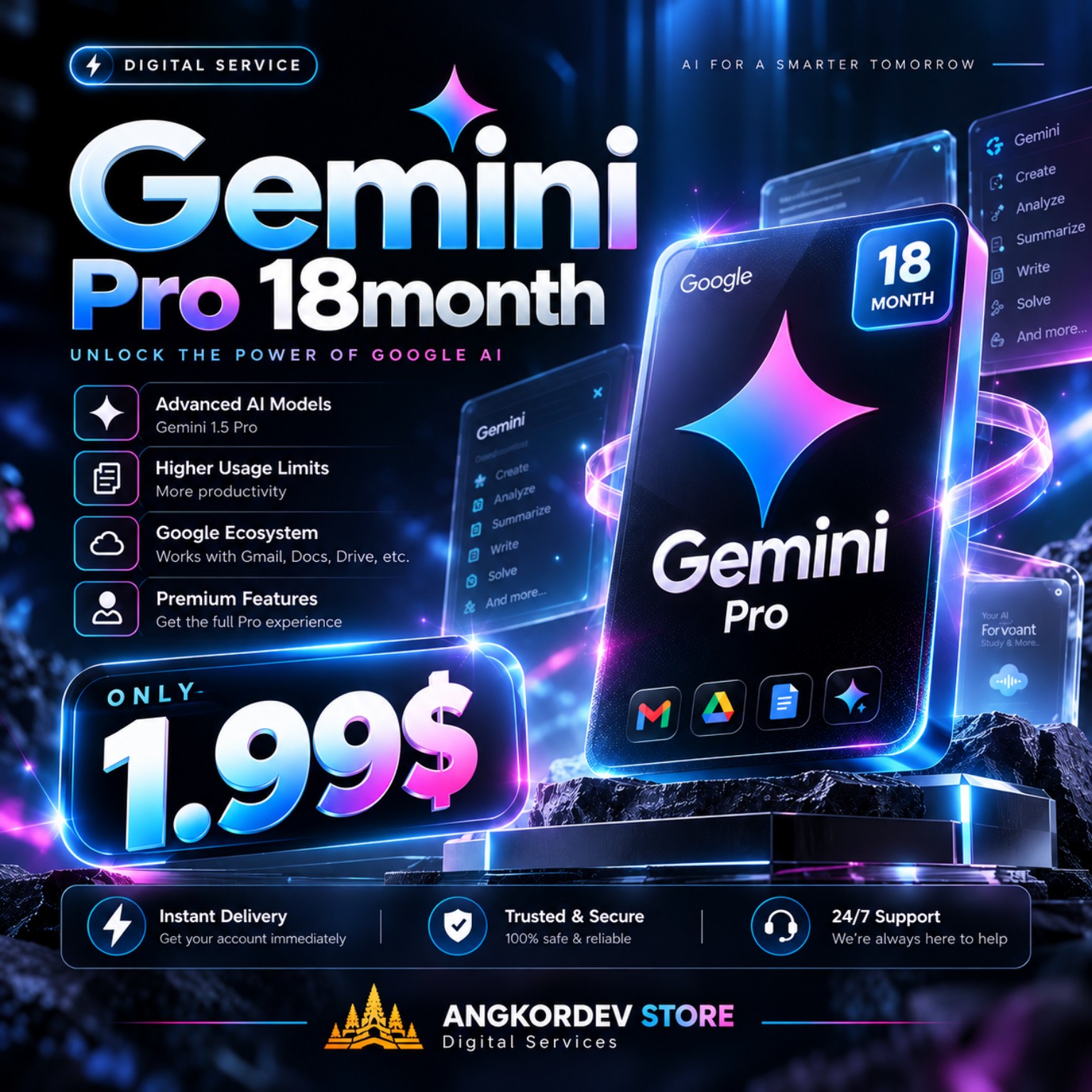
Gemini AI API access. Packages: 10M $0.25, 30M $0.50, 60M $0.99. Model: gemini-3.5-flash-lite.
After your payment is completed, your API key is delivered securely with your order. Use the official API endpoint shown below, then copy an example directly into your project.
gemini-3.5-flash-litex-goog-api-key: GEMINI_API_KEYgenerativelanguage.googleapis.comSelect 10M, 30M, or 60M Tokens above.
After payment, open My Account → Order and open your delivery.
Keep your key private. Never put it directly in frontend code.
Copy one of the examples below and replace the placeholders.
ជ្រើស Package 10M / 30M / 60M Tokens ដែលអ្នកចង់ទិញ។
បន្ទាប់ពីទូទាត់ជោគជ័យ ចូល My Account → Order ហើយបើក Delivery ដើម្បី Copy API Key ហើយប្រើ Official API endpoint ខាងក្រោម។
រក្សា API Key នៅក្នុង Environment Variable ដូចជា API_KEY។ កុំដាក់ Key នៅក្នុង HTML ឬ JavaScript ដែលអាចឱ្យអ្នកប្រើមើលឃើញ។
Gemini ប្រើ gemini-3.5-flash-lite និង header x-goog-api-key។
import os
from google import genai

client = genai.Client(api_key=os.environ["GEMINI_API_KEY"])

response = client.models.generate_content(
    model="gemini-3.5-flash-lite",
    contents="Hello from AngkorDev Store!"
)

print(response.text)
Install: pip install -U google-genai
import { GoogleGenAI } from "@google/genai";

const ai = new GoogleGenAI({
  apiKey: process.env.GEMINI_API_KEY
});

const response = await ai.models.generateContent({
  model: "gemini-3.5-flash-lite",
  contents: "Hello from AngkorDev Store!"
});

console.log(response.text);
Install: npm install @google/genai
curl "https://generativelanguage.googleapis.com/v1beta/models/gemini-3.5-flash-lite:generateContent" \\
  -H "x-goog-api-key: $GEMINI_API_KEY" \\
  -H "Content-Type: application/json" \\
  -X POST \\
  -d '{
    "contents": [{
      "parts": [{"text": "Hello from AngkorDev Store!"}]
    }]
  }'
Official Gemini REST endpoint. Keep GEMINI_API_KEY server-side.
<?php
$apiKey = getenv('GEMINI_API_KEY');
$url = 'https://generativelanguage.googleapis.com/v1beta/models/gemini-3.5-flash-lite:generateContent';

$payload = json_encode([
    'contents' => [[
        'parts' => [['text' => 'Hello from AngkorDev Store!']]
    ]]
]);

$ch = curl_init($url);
curl_setopt_array($ch, [
    CURLOPT_POST => true,
    CURLOPT_HTTPHEADER => [
        'x-goog-api-key: ' . $apiKey,
        'Content-Type: application/json'
    ],
    CURLOPT_POSTFIELDS => $payload,
    CURLOPT_RETURNTRANSFER => true,
]);

echo curl_exec($ch);
curl_close($ch);import java.net.URI;
import java.net.http.*;
String apiKey = System.getenv("GEMINI_API_KEY");
String url = "https://generativelanguage.googleapis.com/v1beta/models/gemini-3.5-flash-lite:generateContent";
String json = "{\"contents\":[{\"parts\":[{\"text\":\"Hello from AngkorDev Store!\"}]}]}";
HttpRequest request = HttpRequest.newBuilder()
.uri(URI.create(url))
.header("x-goog-api-key", apiKey)
.header("Content-Type", "application/json")
.POST(HttpRequest.BodyPublishers.ofString(json))
.build();
HttpResponse<String> response = HttpClient.newHttpClient()
.send(request, HttpResponse.BodyHandlers.ofString());
System.out.println(response.body());package main
import (
"bytes"
"fmt"
"net/http"
"os"
"io"
)
func main() {
url := "https://generativelanguage.googleapis.com/v1beta/models/gemini-3.5-flash-lite:generateContent"
body := []byte(`{"contents":[{"parts":[{"text":"Hello from AngkorDev Store!"}]}]}`)
req, _ := http.NewRequest("POST", url, bytes.NewBuffer(body))
req.Header.Set("x-goog-api-key", os.Getenv("GEMINI_API_KEY"))
req.Header.Set("Content-Type", "application/json")
resp, _ := http.DefaultClient.Do(req)
defer resp.Body.Close()
data, _ := io.ReadAll(resp.Body)
fmt.Println(string(data))
}using System.Net.Http.Json;
using var client = new HttpClient();
client.DefaultRequestHeaders.Add("x-goog-api-key", Environment.GetEnvironmentVariable("GEMINI_API_KEY"));
var body = new {
contents = new[] {
new { parts = new[] { new { text = "Hello from AngkorDev Store!" } } }
}
};
var response = await client.PostAsJsonAsync(
"https://generativelanguage.googleapis.com/v1beta/models/gemini-3.5-flash-lite:generateContent",
body);
Console.WriteLine(await response.Content.ReadAsStringAsync());Never put your API key in frontend JavaScript, HTML, GitHub, screenshots, public chat, or a mobile app. Use environment variables or a secure backend.
Contact AngkorDev through any of the channels below to arrange a wallet top-up or payment assistance. Send your account email and requested amount so Admin can verify and credit your balance.